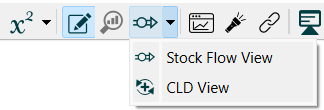
Use the CLD Tag Selection dialog box to choose which tags to use in generating a CLD for a subset of the current model.
To dialog will open when you select the CLD View from the Model Build Toolbar in edit mode:
Note In explore mode the selecting CLD View will take you to CLD generation controlled from the Loops Panel.
When the dialog opens select the tagged variables to include:
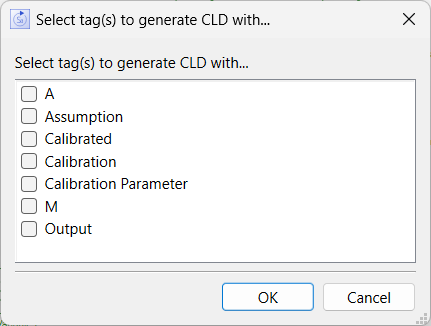
Click on the name of a tag to include it. All variables using the selected tags will be included in the generated CLD. Clicking on OK will then shift to a CLD view of the model using the selected tags.
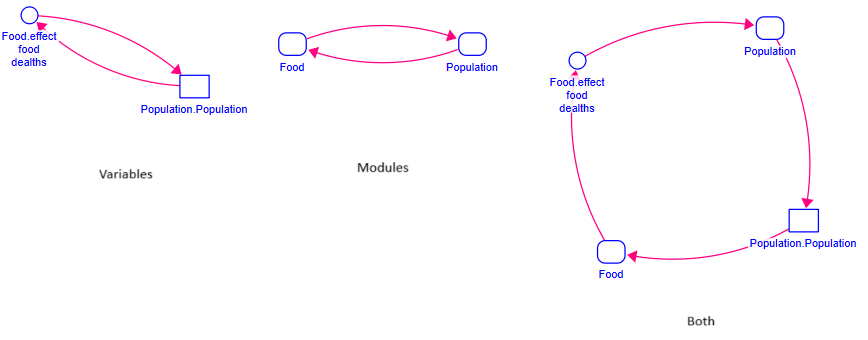
If a module uses the selected tag, it will appear in the resulting CLD. Otherwise just the variables will appear. For example:
To return to regular editing click on the Edit  in the toolbar.